¶ Upload
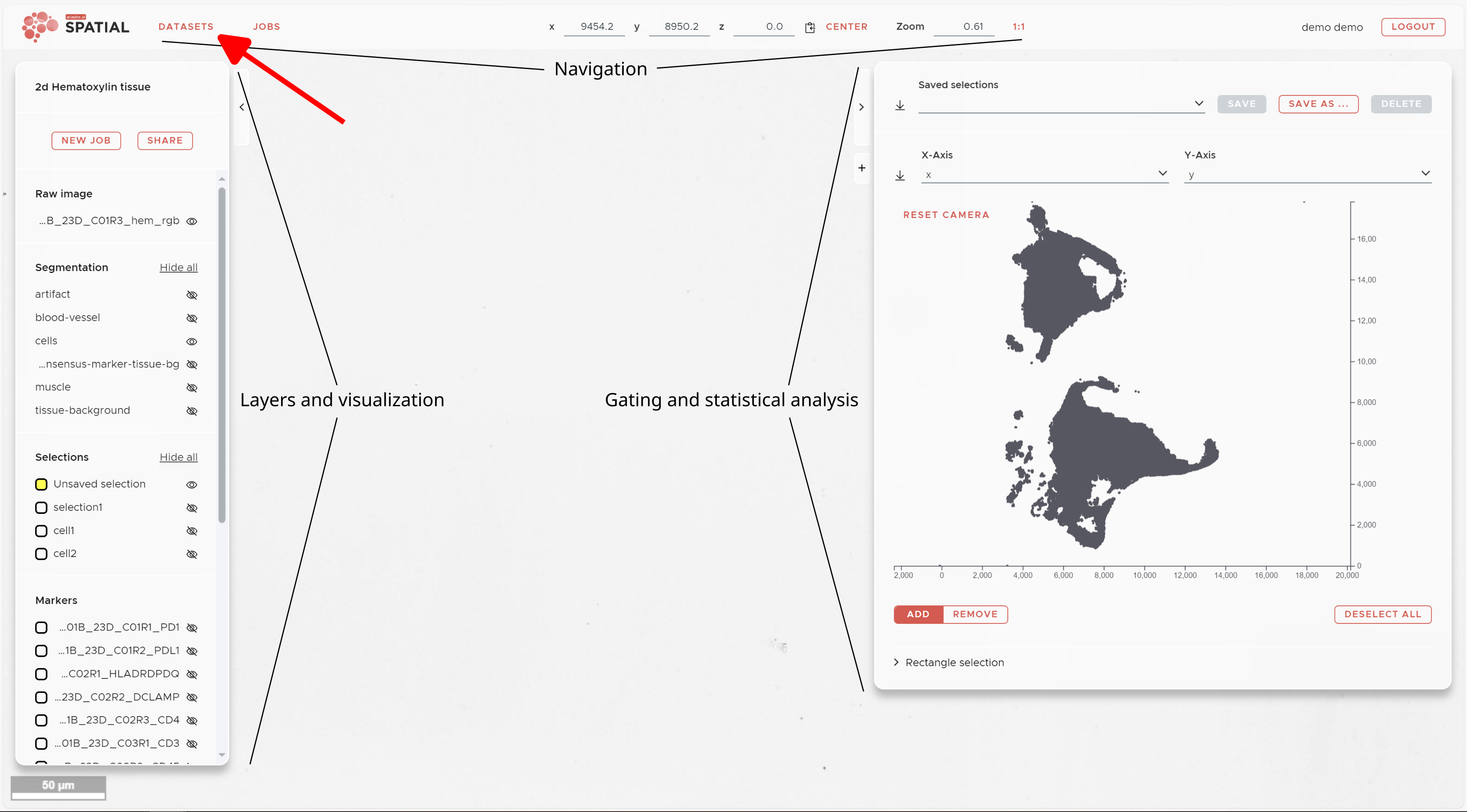
ariadne.ai SPATIAL keeps all your data secure in one place. To upload new data, go to the dataset management window — this appears directly after logging in. If you are already in the main viewer, click the red DATASETS button in the top left of the navigation panel.
¶ Step 1 — Open the dataset management window
|
From the main viewer, click the red DATASETS button in the top navigation bar to open the dataset management window.
Datasets and folders
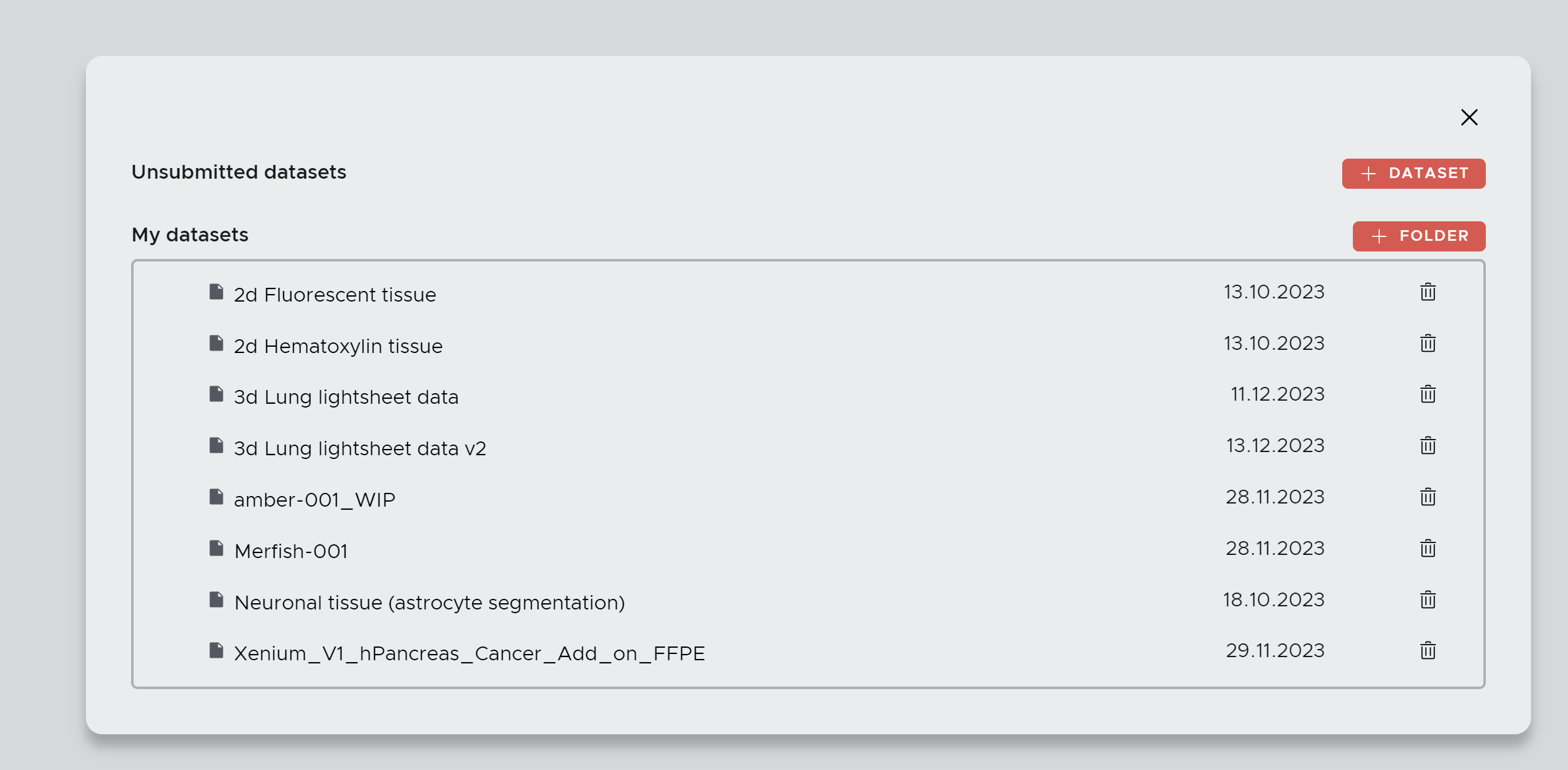
A dataset corresponds to one slide or region of interest (ROI). An experiment typically consists of multiple datasets. Use the + FOLDER button to group all datasets from the same experiment. Folders are also used to define cohorts for cross-dataset comparisons in the Plotting job. Click + DATASET to create a new dataset. A small window will ask you to name it, after which you are taken to the upload panel. |
|
¶ Step 2 — Upload your files
|
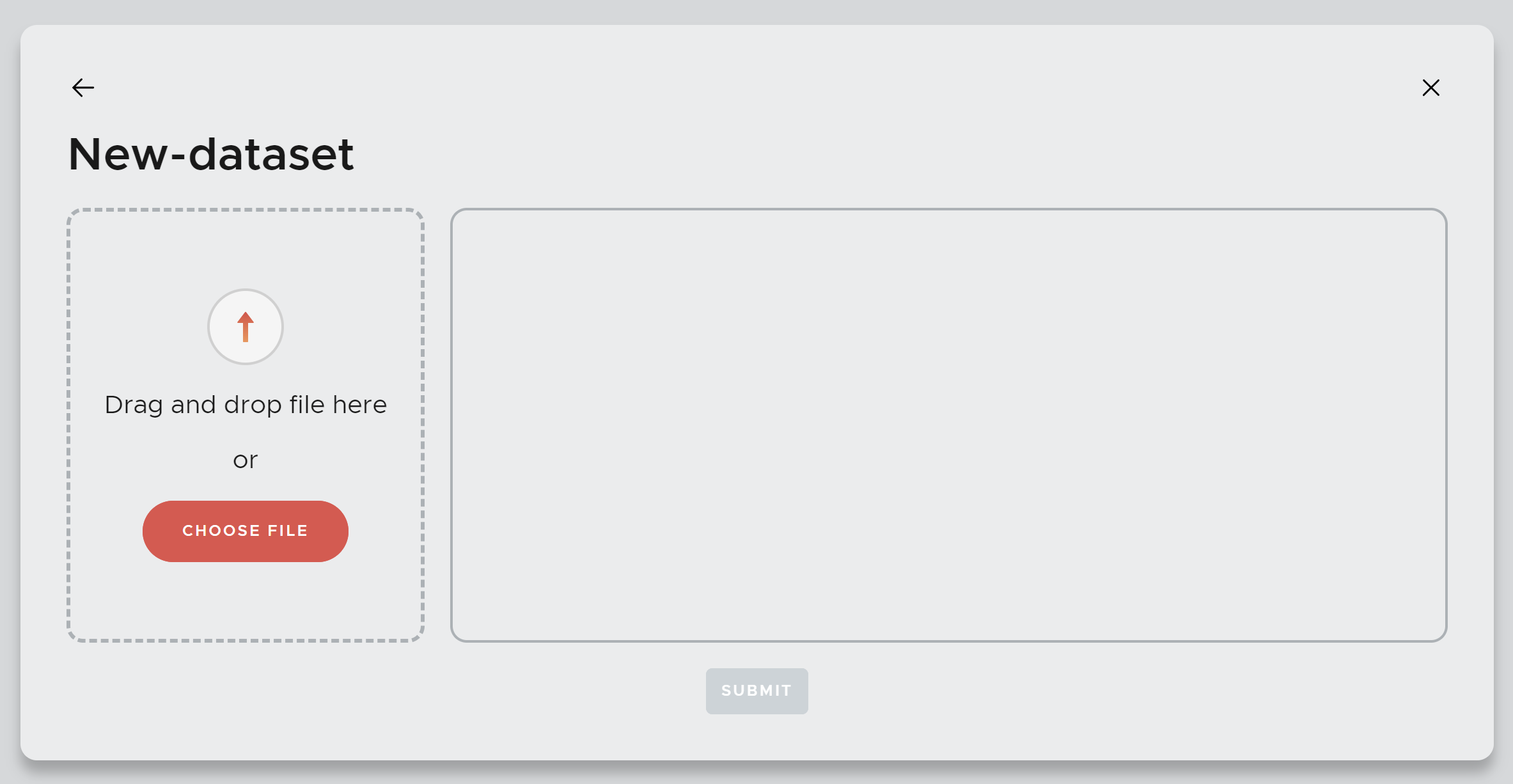
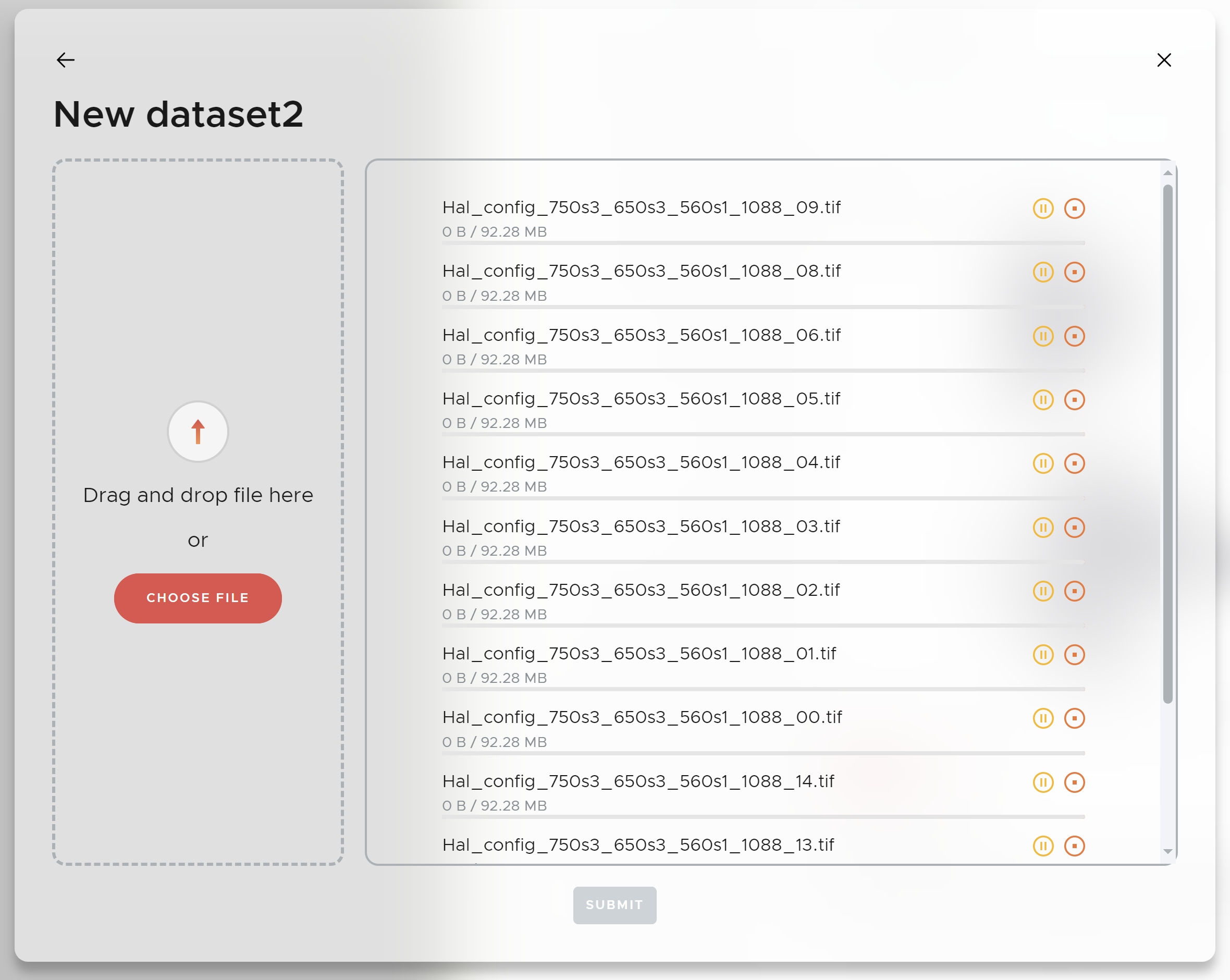
Drag and drop all files belonging to your dataset into the upload area, or click CHOOSE FILE to browse. Once all files are added, click the red SUBMIT button to start the upload. Your dataset will be converted into our internal image format to ensure best performance in SPATIAL. You will be notified as soon as it is ready. |
|
¶ Single vs. multi-upload
The upload panel has a Multi-upload checkbox that controls how your files are interpreted.
|
Single upload (Multi-upload unticked) Use when uploading files for one physical tissue section. • Upload all image files from the same section together — including separate files for individual channels, staining cycles, or imaging modalities. • SPATIAL automatically combines all channels into one multi-channel image. |
Multi-upload (Multi-upload ticked) Use when uploading files for more than one physical tissue section at once. • To combine multiple files into one multi-channel image (e.g. consecutive staining cycles or different modalities), place them together in a top-level folder. • Single files containing images of multiple sections will be automatically split into separate multi-channel images. |
¶ Supported formats & tips
|
Supported formats .tif • .tiff • .ome.tiff • .qptiff .czi • .ims • .vzg • .mrxs • .nd2 If your format is not listed, submit it anyway and we will implement support for it shortly. |
Tips for best results • Prefer formats that include metadata (channel names, pixel size) • Avoid heavy lossy compression • Conversion time depends on file size — you will be notified when your dataset is ready |